Schedules change last minute. See who’s free, now and soon.
An invite-only pool of vouched-for professional retouchers, created by retouchers for when you need an extra pair of hands at short notice.
STUDIOS
·
Available
Enquiry
Group enquiry
Contact all
Welcome to Freetouchers
Set your password.
Choose a password to activate your account. Your profile will remain private until it’s approved.
Freetouchers
This link is no longer valid.
It may have expired or already been used. If this was an invitation, please contact Freetouchers for a new invitation.
Retoucher area
Choose a new password.
Enter a new password for your Freetouchers account.
Client access
Coming soon.
We’re working on private client access to Freetouchers.
Your studio.
Email
Status
SELECT RETOUCHER
Loading retouchers…
Job calculator.
Retouchers
NameDay rate (£)DaysTotal
Job income
£0
Retoucher costs
£0
Profit
£0
Profit margin
0%
Excludes VAT and tax · Figures are not saved.
Clients' noticeboard
The board.
A temporary place for clients to ask, share and chat. Conversations disappear after 5 days without activity.
No conversations yet.
Client access
Client login.
Freetouchers is currently open to everyone. In the near future, sending enquiries through the platform will be reserved for registered clients.
Client accounts are currently available by invitation only.
Welcome to Freetouchers
Set your password.
Activate your studio account to access Freetouchers.
Retoucher area
Login.
Interested in joining Freetouchers?Membership is by invitation.
Retoucher area
Your profile.
Add your details below. Your profile will remain private until it’s approved.
Your rates are private. Only logged-in studio clients can see your published day rate. Other retouchers and visitors cannot see it.
Choose all that apply.
Choose one.
Anything useful for clients to know about how you can work.
Studios, brands, agencies or other clients you’ve worked with.
Retoucher area
Your availability.
Select the days you’re free to work. Changes only go live when you save.
Mon
Tue
Wed
Thu
Fri
Sat
Sun
● Available ○ Not available Click a date to toggle
Even if nothing has changed, click Save Availability to keep your calendar current. Availability last saved over 10 days ago appears lower in search results, and availability last saved over 3 weeks ago won’t appear in searches.
Share availability
Your live availability.
Copy your personal availability link and share it directly with a client.
Check-ins
Get a quick email every Monday morning to check for any last-minute changes over the next couple of weeks.
Then whenever your availability changes, just open it, update your dates and hit save.
Profile status
You’re all set.
Your profile and availability have been saved. Your profile is currently private and will appear on Freetouchers once it’s been approved.
● Awaiting approval
Members' noticeboard
The board.
A temporary place for members to ask, share and chat. Conversations disappear after 5 days without activity.
No conversations yet.
Freetouchers admin
Admin.
Manage members, clients, emails and Freetouchers activity.
Members
Retouchers.
Review membership and control which profiles appear publicly.
Membership
Invite a retoucher.
Expired invitations
If a retoucher has not completed registration, enter their original invitation email to request a fresh setup link.
Studio access
Clients.
Invite trusted studios to Freetouchers. Client access is in private testing; the public website is unchanged.
Studio directory
Loading clients…
By invitation
Invite a client.
For now, only send an invitation to your separate test email. Invitations are real emails.
Member updates
Send a member update.
Write the update here. Freetouchers styling and your sign-off are added automatically. Send yourself a test first, then send it to members when you’re happy.
Client updates
Send a client update.
Write an email for everyone in Admin → Clients, including those who have not yet activated their account. Send yourself a test first, then send it to clients when you’re happy.
New member guide
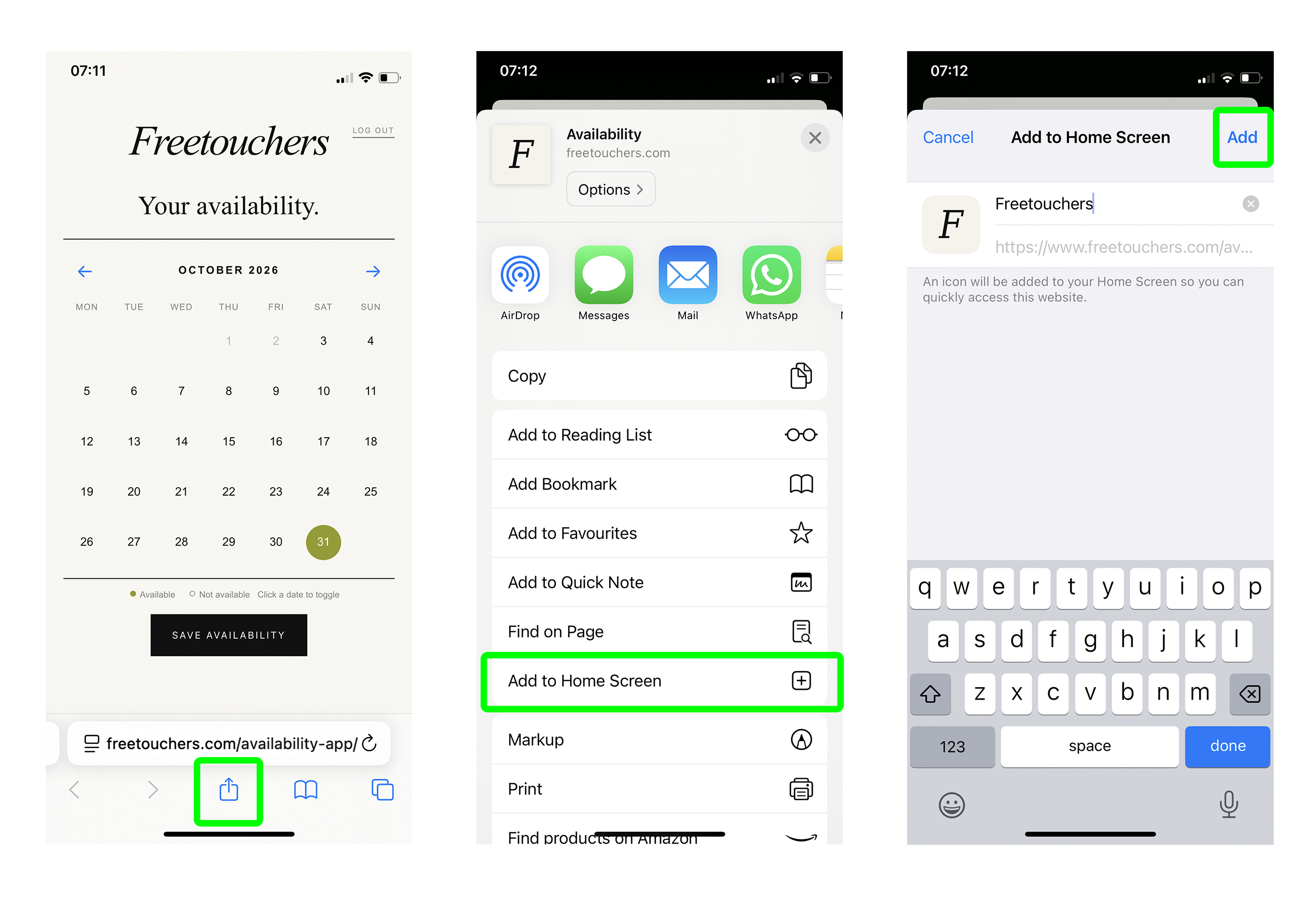
Send the phone setup guide.
Send the phone availability guide to an individual member. Use this whenever you feel they’re ready for it.
Check-ins
Test the Monday email.
Send one Check-in to the test address saved in Vercel. This will not email any retouchers.
Availability activity
Leaderboard.
Ranked by total successful Save Availability clicks during the selected period. Every click counts.